Reporting a Deer Through North Carolina’s App
Finding yourself with a deer on the ground is one of the most exciting moments for any North Carolina hunter, but the exhilaration can quickly turn to a bit of a scramble when it comes to fulfilling the mandatory harvest reporting requirements. Nobody wants to be fumbling with paper tags or trying to remember a website while they're cold, tired, and maybe a little muddy. This guide is here to demystify the process, walking you through every step of reporting your deer harvest seamlessly using the North Carolina Wildlife Resources Commission (NCWRC) mobile app.
Understanding North Carolina's Harvest Reporting Mandate
For many hunters, harvest reporting can feel like just another bureaucratic hoop to jump through, especially after the hard work of a successful hunt. However, it's a fundamental part of wildlife management in our state, providing crucial data that directly influences future hunting seasons and conservation efforts. Ignoring this step isn't just a minor oversight; it's a violation of North Carolina hunting regulations.
The Importance of Accurate Harvest Data
When you report your deer, you're contributing to a larger ecological picture. Every single report helps the NCWRC biologists understand deer populations, health, and distribution across various regions, from the dense Eastern Zone pocosins to the rugged Western Zone mountains. This data allows them to track trends in herd size, assess the impact of diseases like Chronic Wasting Disease (CWD), and evaluate the effectiveness of current hunting regulations, such as North Carolina Deer Bag Limit Rules. Without this collective information, wildlife management would largely be guesswork, potentially leading to overharvesting in some areas or underharvesting in others, which could throw the delicate balance of our ecosystems out of whack.
Think about it from a big-picture perspective: if biologists see a consistent decline in harvest numbers in a particular county, they might investigate habitat loss, disease outbreaks, or shifts in deer movement. Conversely, if harvest numbers are steadily climbing, they might adjust season lengths or bag limits to keep the herd healthy and sustainable. Your simple act of reporting a deer is a vital piece of this scientific puzzle, ensuring that future generations of hunters will have healthy deer populations to pursue. It's a direct way for you, as a responsible hunter, to participate in the conservation of North Carolina's deer herd.
Legal Requirements and Penalties
Let's be clear: reporting your deer harvest isn't optional; it's a legal obligation for every hunter in North Carolina. The North Carolina Wildlife Resources Commission mandates that all deer, turkey, and bear harvests must be reported by noon on the day following the harvest. If you harvest a deer on the last day of a season, you have until noon the next day to get that report in. This is part of the broader North Carolina Deer Reporting Requirements that all hunters must adhere to. Failure to report a harvest within the specified timeframe can lead to fines and, in some cases, even the loss of hunting privileges. Wildlife enforcement officers take these regulations seriously because accurate data is paramount to their mission.
Imagine you're out hunting a small private tract in the Piedmont, you fill your tag on a nice buck, but you're so excited that you forget to report it. A few weeks later, an enforcement officer might cross-reference harvest data with other records, or perhaps an anonymous tip leads them to investigate. The consequences of not reporting can be significant, far outweighing the brief inconvenience of a few minutes spent on the app. It’s always better to be safe than sorry, so make it a habit to report your harvest as soon as you can, even before you start the field dressing process. Knowing The North Carolina Deer Reporting Deadline is crucial for every hunter.
Getting Started with the NCWRC App
The NCWRC has worked hard to make harvest reporting as simple and accessible as possible through their official mobile application. This digital tool centralizes many aspects of your hunting life, from license management to scouting. For many hunters, myself included, it's become an indispensable part of their gear, right up there with their binoculars and rangefinder.
Downloading and Setting Up Your Account
The first step, naturally, is to get the app on your phone. You can find the official NCWRC app, often listed as "Go Outdoors North Carolina" or similar, in both the Apple App Store and Google Play Store. It’s a free download, so there’s no excuse not to have it. Once downloaded, you'll need to either log in with an existing NCWRC account or create a new one. This account will typically be linked to your North Carolina Hunting Licenses and What They Cost, so have your license information handy. The setup process is fairly straightforward, usually involving your name, address, date of birth, and customer ID.
It’s a good idea to complete this setup before you head out into the field. Trying to create an account with shaky cell service or cold fingers isn't anyone's idea of fun. Make sure your profile details are accurate and up-to-date. Some hunters use advanced mapping apps like GoHunt for detailed property information and scouting, and while the NCWRC app doesn't have all those features, it's essential for official reporting and often integrates your license info seamlessly. Familiarizing yourself with the app ahead of time will save you a lot of headaches when the moment of truth arrives.
Familiarizing Yourself with the Interface
Once you're logged in, take some time to explore the app. It's designed to be user-friendly, but knowing where everything is will make the reporting process much smoother. You'll typically find sections for purchasing licenses, viewing your current licenses, and, most importantly, the harvest reporting section. Look for clearly labeled buttons or menus like "Report a Harvest" or "Game Check." The app also often includes other helpful features, such as links to regulations, season dates, and even a map viewer that can be useful for Scouting North Carolina Public Land Before Season.
Many hunters, particularly those who rely on digital tools like GoHunt for their comprehensive mapping and scouting needs, appreciate the NCWRC app’s convenience for direct reporting. While it doesn't offer the detailed mapping overlays of a dedicated scouting app, its simplicity for game checking is a huge plus. Get comfortable with navigating between different screens, understanding where to input data, and how to review your entries. The more you explore it now, the less you’ll be fumbling later when time is of the essence.
Step-by-Step Deer Reporting Using the App
Okay, you’ve put in the work, made a clean shot, and now your deer is on the ground. This is where the NCWRC app truly shines, turning what used to be a physical tag and phone call into a few taps on your smartphone.
Initiating a New Harvest Report
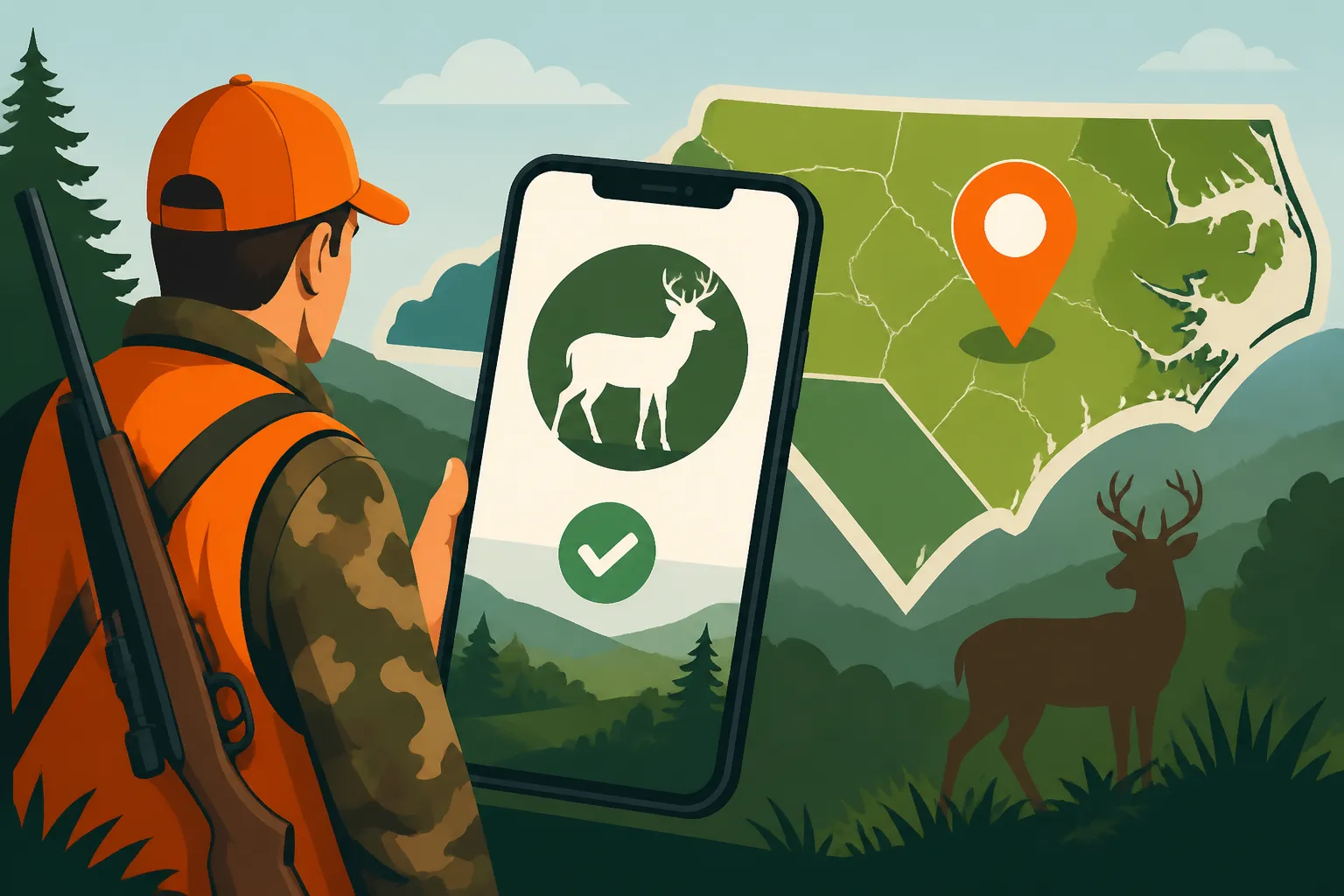
The first step is to open the NCWRC app and navigate to the harvest reporting section. Look for a prominent button or link labeled "Report a Harvest," "Check Game," or something similar. This will typically open a new screen where you'll select the species you harvested. In this case, you'll choose "Deer." The app is designed to walk you through a series of prompts, ensuring you provide all the necessary information. It often starts by asking for the date and time of harvest, which is crucial for compliance with the North Carolina Deer Reporting Deadline.
Once you select "Deer," the app might ask if you harvested an antlered or antlerless deer, and then begin to gather more specific details. It's often helpful to begin this process as soon as you've recovered your animal, even before you start the field dressing process or begin to Dragging a Deer Out of a Coastal Swamp. This ensures you have good cell service and clear thoughts before the real work begins. If you’re hunting in an area with poor signal, remember that some apps allow for offline data entry that syncs later, but it's always best to have a confirmed submission.
Entering Key Information Accurately
This is the most critical part: providing accurate information. The app will prompt you for several key pieces of data. While the exact fields can vary slightly, here's a general idea of what you'll need:
| Information Type | Details to Provide | Importance |
|---|---|---|
| Species | Deer (Antlered/Antlerless) | Identifies the animal harvested |
| Harvest Date/Time | Exact date and time of kill | Crucial for compliance with reporting deadlines |
| County of Harvest | The specific county where the deer was taken | Essential for localized population data |
| Type of Land | Public (Game Land/National Forest) or Private | Helps assess harvest pressure on different land types |
| Weapon Used | Bow, Crossbow, Muzzleloader, Rifle, Shotgun, Handgun | Tracks weapon efficacy and hunter preferences |
| Sex of Deer | Male (Buck) or Female (Doe) | Basic population metrics |
| Antler Points | Number of points on each antler (if antlered) | Important for buck age structure and herd health |
| Age Class | Fawn, Yearling, Adult (often estimated by hunter) | Provides further insights into herd demographics |
| CWD Zone | Indicate if harvested in a CWD Management Area (e.g., Surry County) | Critical for disease surveillance and management in specific zones |
When prompted for the county of harvest, be precise. Knowing Which County Confirmed North Carolina's Newest CWD Case, for instance, helps biologists monitor disease spread. For antlered deer, carefully count the points; this helps biologists gauge the North Carolina Buck Age Structure. If you're unsure about the age class, it's usually best to make your most educated guess or leave it blank if the app allows. Using a tool like GoHunt might have already helped you confirm your location and ensure you're within legal zones, adding another layer of confidence to your report.
Submitting and Confirming Your Report
Once you've entered all the required data, the app will usually give you an opportunity to review everything before final submission. Do not skip this step! Double-check all your entries, especially the county and antler points. A mistake here can skew data and potentially cause issues if an enforcement officer ever checks your report. After you've confirmed everything looks correct, hit the "Submit" or "Finish" button. The app should then provide you with a confirmation number.
This confirmation number is your proof that you've legally reported your harvest. Make sure to write it down, take a screenshot, or otherwise record it. While the digital record in your app is generally sufficient, having that physical number can be invaluable if you encounter an officer in the field who wants to verify your report, or if you lose phone service later. Many hunters will immediately text this number to a hunting buddy or family member for an extra layer of security. This step is the culmination of your hunt and ensures you've completed your legal obligation as a responsible North Carolina hunter.
Troubleshooting Common App Issues and Best Practices
Even with the best technology, sometimes things don't go perfectly. Understanding common pitfalls and how to navigate them can save you a lot of stress when you're out in the woods.
Common Reporting Mistakes to Avoid
One of the biggest mistakes hunters make is rushing through the reporting process. This can lead to entering the wrong county, miscounting antler points, or accidentally selecting the wrong species. Always take a moment to double-check your entries before hitting submit. Another frequent error is assuming that just because you have the app open, your report is complete. You must receive a confirmation number for the report to be valid. If you don't get one, the report wasn't successfully submitted.
Another common oversight is forgetting to report at all, especially during the excitement of the hunt or if you’re tired after a long day of, say, Still-Hunting Nantahala Forest Ridges. Set a reminder on your phone if you need to. It's also easy to forget the specific legal firearms for North Carolina Deer Hunting you used, so make a mental note if you switch between a bow and a rifle during the season. Accuracy matters not just for legal compliance, but for ensuring the NCWRC gets the best possible data for managing the state's deer herd.
Offline Reporting and Signal Challenges
North Carolina offers some truly wild places to hunt, from the vast stretches of Pisgah National Forest to the remote Coastal Plain Pocosin Swamps. This means you might find yourself far from reliable cell service when you make a harvest. The good news is that the NCWRC app is designed to handle this. Many versions of the app allow you to enter harvest data even when you don't have a signal. The information will then be stored on your device and automatically submitted once you re-enter an area with service.
However, it's crucial to understand that the report isn't legally submitted until it's actually processed by the NCWRC servers and you receive a confirmation number. So, if you report offline, make a point to check your app once you get back to civilization to ensure the submission went through and you received that all-important confirmation. If you're using other hunting tools like GoHunt that integrate mapping, you might already have a good idea of cell service dead zones in your hunting area, allowing you to plan accordingly. If you consistently hunt in areas without service, consider calling the toll-free harvest reporting number (available on the NCWRC website) as soon as you get a signal, or use the website if a computer is available.
Keeping Your Digital Records Safe
Just like you keep your physical hunting license safe, it's a good practice to ensure your digital harvest records are also secure. The app usually stores a history of your past harvests, which can be interesting to look back on and verify if needed. Make sure your phone is password-protected, and if you ever get a new device, ensure your account can be easily transferred or accessed. It’s also wise to occasionally screenshot your confirmation numbers or even email them to yourself, creating an off-device backup.
In the rare event of an issue with the app or if your phone gets lost or damaged, having that confirmation number or a backup record can prevent a lot of headaches. This kind of preparedness is just another aspect of responsible hunting, much like carefully planning your Entry Routes Through Standing Soybeans or Scouting With the NC Wildlife App before the season even begins. Stay organized, and your North Carolina hunting adventures will be that much smoother.
Disclaimer
The information provided in this guide is for general informational purposes only and is not intended as legal advice. Hunting regulations and laws can change frequently. Always consult the official North Carolina Wildlife Resources Commission regulations and guidelines for the most current and accurate information before engaging in any hunting activities. Adherence to all state and federal hunting laws is the responsibility of the individual hunter.