Buying a License on the NC Wildlife Portal
Trying to figure out how to navigate the North Carolina Wildlife Resources Commission (NCWRC) portal to buy your hunting license can feel like a maze, especially if it's your first time or if you're just not accustomed to government websites. It's easy to get lost in the jargon or click the wrong button. This comprehensive guide is here to cut through the confusion, offering a step-by-step walkthrough of how to smoothly purchase your North Carolina hunting license online, ensuring you're ready for the field without the headache.
Why the NC Wildlife Portal is Your Go-To for Licenses
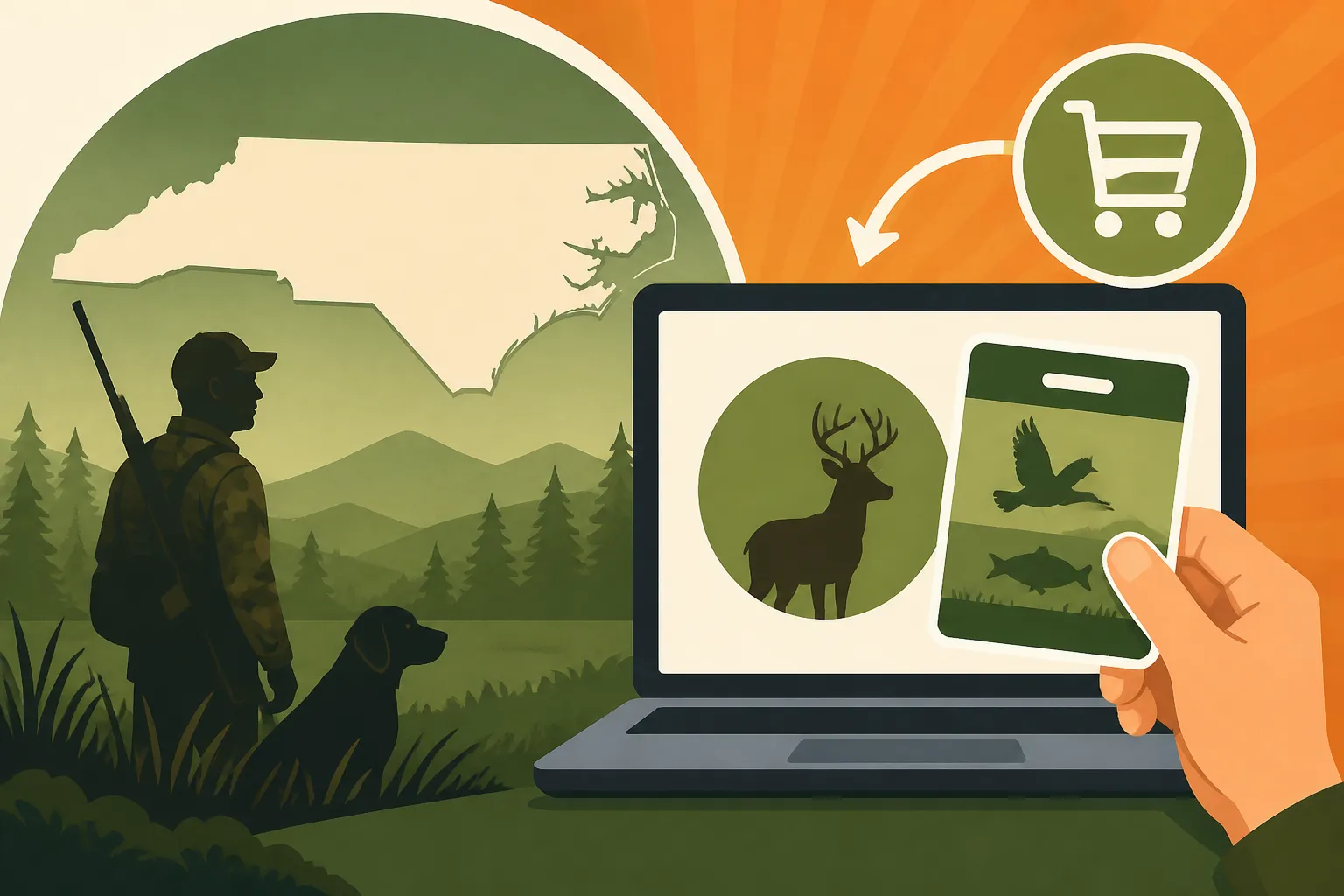
Back in the day, buying a hunting license often meant a trip to a local tackle shop, a sporting goods store, or a designated county clerk's office. While those options still exist for some, the NC Wildlife Portal has become the most convenient and often the quickest way to secure your necessary permits. It's designed to streamline the process, allowing hunters to manage their licenses, report harvests, and stay updated on regulations from the comfort of their home.
The Convenience of Online Access
Think about it: no more driving across town after a long day at work, hoping the store hasn't closed yet. The NC Wildlife Portal is available 24/7, meaning you can purchase your license bright and early before heading out on opening day, or late at night when you remember you need to renew for the upcoming season. This accessibility is a game-changer, especially for those living in rural areas far from a physical vendor. It saves time, gas, and a good deal of frustration. You can even access it from your smartphone or tablet, making it incredibly flexible.
Avoiding the Hassle of In-Person Purchases
While there's a certain charm to visiting a local mom-and-pop shop, the reality can sometimes be less idyllic. Long lines, busy clerks, or even a lack of specific license types can turn a simple task into a chore. The portal eliminates these common frustrations. You're in control, able to browse all available North Carolina Resident Hunting License Options or North Carolina Nonresident Hunting License Options at your own pace, ensuring you select exactly what you need without feeling rushed or pressured. It also reduces the chance of human error in transcription or selecting the wrong item.
Keeping Up with Regulatory Changes
The NC Wildlife Portal isn't just a place to buy licenses; it's also a hub for information. When you use the portal, you're interacting directly with the state's official system, which is always up-to-date with the latest regulations, season dates, and reporting requirements. This is especially critical in a state like North Carolina, where hunting rules can vary significantly by zone or species. For instance, understanding specific rules like North Carolina Deer Reporting Requirements or the nuances of North Carolina Muzzleloader Season Rules are often clarified or linked directly from the portal itself. While you'll still want to consult the official regulations digest, the portal acts as a living document, reflecting any immediate changes faster than a printed guide.
Getting Started: Setting Up Your NC Wildlife Account
Before you can purchase any license, you’ll need to either log into an existing account or create a new one on the NC Wildlife Portal. This initial step is critical, as it links your identity to your hunting privileges and harvest history. Don't worry, it's a fairly straightforward process, designed to capture all the necessary information for legal compliance.
Creating a New Customer Profile
If you're brand new to North Carolina hunting or haven't purchased a license in the state before, you'll need to create a new customer profile. This involves providing personal details like your name, address, date of birth, and often a Social Security number. The Social Security number is required for identification and to ensure compliance with federal mandates for licensing. Many people feel a bit uneasy sharing this online, but rest assured, the NCWRC portal uses secure encryption to protect your data. Take your time entering this information to avoid any typos that could cause issues later on when validating your identity or printing your license.
Linking Existing License History
For those who have purchased licenses in North Carolina previously, but perhaps not online, or if you're a returning hunter, the portal often allows you to link your existing license history to a new online account. This is usually done by entering your date of birth and a previously issued customer ID number, which can typically be found on an old license or by calling the NCWRC customer service line. Successfully linking your history ensures that all your past purchases, hunter education records, and harvest reports are consolidated under one digital profile. This is crucial for proving you meet requirements like North Carolina Hunter Education Requirements and for managing your overall hunting record.
Essential Information for Registration
Beyond your basic personal information, you'll also be asked to provide contact details such as an email address and phone number. Your email address is especially important as it's often where confirmations, receipts, and any important notifications regarding your license will be sent. You'll also need to create a secure password for your account. Choose something strong, combining letters, numbers, and symbols, to protect your personal hunting data. Having all this information handy before you start the registration process will make it much quicker and smoother.
Understanding License Types and Privileges
One of the areas that can cause the most confusion for hunters, especially newcomers or those from out of state, is the array of different license types and privileges available. It's not just a single "hunting license" you buy; rather, it's a combination of a base license and various additional privileges or stamps, depending on what you plan to hunt and where. Taking the time to understand these options upfront will prevent you from accidentally buying the wrong thing or missing a critical permit.
Resident Versus Nonresident Licenses
The first major distinction you'll encounter is between resident and nonresident licenses. If you've been living in North Carolina for at least six months with the intent to make it your permanent home, you generally qualify for a resident license, which is significantly more affordable. However, if you're just visiting or haven't established residency, you'll need a nonresident license. The costs for North Carolina Nonresident Hunting License Options are understandably higher, reflecting the state's efforts to manage resources for its residents while still welcoming visitors. Be sure to honestly assess your residency status, as misrepresenting it can lead to serious legal consequences.
Base Licenses and Big Game Privileges
Once you've determined your residency, you'll select a base license. For many hunters, this will be an annual statewide hunting license. However, if you plan to hunt big game like deer, bear, or turkey, you'll almost certainly need to add a "Big Game Privilege" to your base license. This is a crucial step that many first-time hunters overlook. The North Carolina Big Game Privilege Requirements typically cover white-tailed deer, wild turkey, and black bear, essentially giving you the legal right to pursue these larger species. Without it, even with a valid base license, you could be hunting illegally. It’s also worth noting that some licenses, like a comprehensive sportsman’s license, bundle many of these privileges together, often saving money if you hunt multiple species.
Specialized Stamps and Permits
Beyond the base license and big game privilege, North Carolina requires additional stamps or permits for specific types of hunting. For instance, if you're planning to hunt waterfowl, you'll need both a North Carolina Migratory Bird Certification and a Federal Duck Stamp. Bear hunters often need a North Carolina Bear Management Stamp, which helps fund bear research and conservation efforts. These specialized permits aren't just bureaucratic hurdles; they are vital funding mechanisms for wildlife management, habitat restoration, and conservation programs throughout the state. Always double-check the regulations for the specific game you intend to pursue to ensure you have all the necessary stamps and permits in hand. Checking with a resource like GoHunt can help clarify these requirements before you head to the portal.
Navigating the Purchase Process
With your account set up and a clear understanding of the licenses you need, you’re ready to tackle the actual purchase process. The NC Wildlife Portal is designed to be intuitive, but knowing the typical flow can help you avoid any missteps and ensure a smooth transaction from start to finish.
Step-by-Step Selection of Licenses
Once logged in, look for a clear option like "Purchase Licenses" or "Buy Hunting Licenses." You'll usually be presented with a menu of options categorized by license type, season, and residency. For example, you might see categories for "Annual Hunting Licenses," "Trapping Licenses," or "Lifetime Licenses." Click on the relevant options, and the portal will guide you through adding specific privileges. If you need a base hunting license, a big game privilege, and a bear stamp, you'll typically select each one individually. The system is pretty good at prompting you if you try to add a privilege without the necessary base license. As you add items, they'll be placed into a virtual shopping cart, much like an online retail store.
A common bundle for a resident deer hunter might look like this:
| License/Privilege | Type | Description | Example Cost (Resident Annual) | Example Cost (Nonresident Annual) |
|---|---|---|---|---|
| Annual Hunting License | Base | Required for all hunting (unless youth/disabled) | $20 | $100 |
| Big Game Hunting Privilege | Add-on | Required for deer, bear, turkey | $15 | $80 |
| Bear Management Stamp | Add-on | Required for bear hunting | $10 | $125 |
| Game Lands Privilege | Add-on | Required for hunting on designated Game Lands | $15 | $60 |
| Federal Duck Stamp (via USPS) | Federal Add-on | Required for waterfowl (bought separately) | $25 | $25 |
| NC Migratory Bird Certification | State Add-on | Required for migratory birds (ducks, geese, dove) | Free | Free |
Note: Costs are approximate and subject to change. Always check the official NCWRC website for current pricing.
Reviewing Your Cart and Checkout
Before finalizing anything, the portal will present you with a summary of your selections. This is your chance to meticulously review everything in your cart. Check that you've selected the correct residency (resident/nonresident), the proper duration (annual, multi-year, lifetime), and all the necessary privileges (big game, bear, game lands, etc.). It’s also wise to check the "valid from" and "valid until" dates. Once you're confident everything is correct, proceed to the checkout phase. Many hunters also use this moment to consider buying other permits, like a North Carolina Game Lands License Requirements if they plan to hunt on public land.
Payment Options and Confirmation
The NC Wildlife Portal accepts major credit and debit cards for payment. You'll enter your card details, billing address, and confirm the transaction. After successful payment, you'll receive a confirmation page on your screen and, crucially, an email confirmation. This email often contains a temporary license or a link to access your official license immediately. Keep this email safe, as it serves as proof of purchase and usually contains your new customer identification number, which is helpful if you ever need to retrieve your license or contact NCWRC customer service.
Common Issues and Troubleshooting Tips
Even with the most user-friendly system, technology can sometimes throw a curveball. It’s not uncommon to encounter a glitch or a hiccup during the online license purchase process. Don't panic! Most issues have straightforward solutions, and the NCWRC has resources available to help.
Dealing with Account Login Problems
Forgot your password? Can't remember your customer ID? These are incredibly common issues. The NC Wildlife Portal typically has a "Forgot Password" or "Retrieve User ID" option right on the login page. Follow the prompts, which usually involve entering your email address or some personal identifiers to reset your password or have your ID sent to you. If that doesn't work, or if you're consistently locked out, your best bet is to contact NCWRC customer service directly. They can manually verify your identity and help you regain access. Remember, sometimes a simple browser cache clear or trying a different browser can resolve minor login glitches too.
Resolving Payment Processing Errors
Nothing is more frustrating than filling out all your information only for your payment to be declined. Common reasons for payment errors include incorrect card numbers, expiration dates, or security codes (CVV), or insufficient funds. Double-check all entered information. If it still fails, try a different payment method if you have one. Sometimes, your bank might flag the transaction as unusual, especially for a government site, so a quick call to your bank might clear it up. Another often overlooked cause is trying to purchase a North Carolina Nonresident Hunting License Options with a credit card that has a different billing address than the one you've listed on your profile.
What to Do If Your License Doesn't Appear
You've paid, you've seen the confirmation, but you haven't received an email or can't see your new license when you log back in. First, check your spam or junk folder for the confirmation email. Sometimes, legitimate emails end up there. Second, give it a few minutes; sometimes, the system takes a moment to process and update. If after a reasonable amount of time (say, an hour) you still don't have it, log back into the portal and check your "My Licenses" section. If it's still missing, gather your transaction ID (if you saved it from the confirmation page) and contact NCWRC customer service. They can look up your purchase by ID and either push it through or explain any hold-ups. Meanwhile, if you're heading out to hunt, having the confirmation email or a screenshot of the confirmation page on your phone might buy you some goodwill if checked by a warden, but always aim to have your official license.
After the Purchase: What to Expect and How to Stay Compliant
Once your license is purchased and confirmed, you're almost ready to hit the woods or waters! But there are a few final steps and considerations to ensure you're fully prepared and compliant with North Carolina's hunting regulations. It's not just about having the license; it's about how you carry and use it.
Accessing Your Digital License
Modern technology has made it easier than ever to carry your license. Once purchased, your license will typically be accessible through your NC Wildlife Portal account. Many hunters simply save a screenshot of their valid license to their phone or download a PDF to their device. This digital version is usually considered valid proof of license in North Carolina. This is incredibly convenient, especially when you're deep in the woods and don't want to risk losing a paper copy. However, it's always wise to ensure your phone is charged! Services like GoHunt, which provide detailed mapping and regulatory overlays, can also often integrate with your state license system, allowing for seamless access to your license information alongside your scouting tools.
Printing Hard Copies for the Field
While digital licenses are accepted, many hunters still prefer to carry a physical copy, and it's generally a good backup. You can usually print your license directly from the NC Wildlife Portal after purchase. It’s a good idea to print several copies: one to laminate and keep in your wallet or hunting pack, one to leave in your truck, and perhaps one for your hunting camp. There's nothing worse than getting to your hunting spot and realizing your phone battery is dead or you've left your digital license access behind. A crisp, laminated paper license tucked away is peace of mind.
Staying Current with North Carolina Deer Reporting Requirements
Your responsibility doesn't end with purchasing a license. North Carolina, like many states, requires hunters to report their harvest of certain species, especially deer and bear. These North Carolina Deer Reporting Requirements are crucial for wildlife biologists to monitor populations, assess health, and make informed management decisions. You'll typically report your harvest through the same NC Wildlife Portal or via a dedicated phone app. Make sure you understand the deadlines and specific information required for reporting, such as the date of harvest, county, and sex of the animal. Failure to report a harvest can result in fines or other penalties, so consider it an integral part of your hunting season. Similarly, there are specific North Carolina Bear Checking Requirements after a successful bear hunt. Knowing How Long a North Carolina License Stays Valid is also important, so you don't inadvertently let your privileges lapse.
Disclaimer
The information provided in this guide is for general informational purposes only and is not intended as legal advice. Hunting regulations in North Carolina can change frequently. Always consult the official North Carolina Wildlife Resources Commission (NCWRC) website and current hunting regulations digest for the most up-to-date and accurate information before engaging in any hunting activities.